
How to Add/Delete Users to Your TurboClaim Account
User Management Documentation
Overview
This documentation provides a guide on how to add and delete users in your account. It outlines the steps for inviting new users and the implications of user management actions.
Adding a New User 0:00
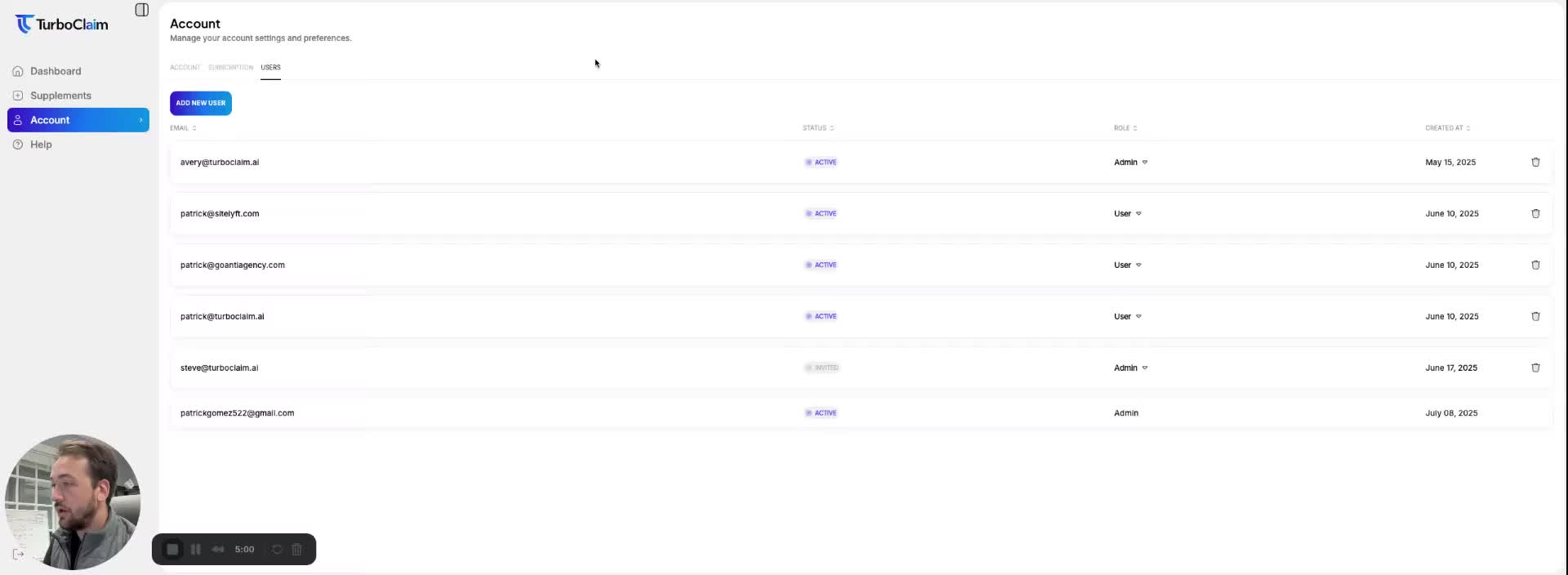
To add a new user to your account, follow these steps:
- Navigate to your account settings.
- Go to the 'Users' section.
- Enter the user's email address.
- Select the user role (User or Admin). Admins have additional capabilities.
- Click 'Invite'.
- The invited user will receive an email notification to sign up.
User Invitation Failure 0:37
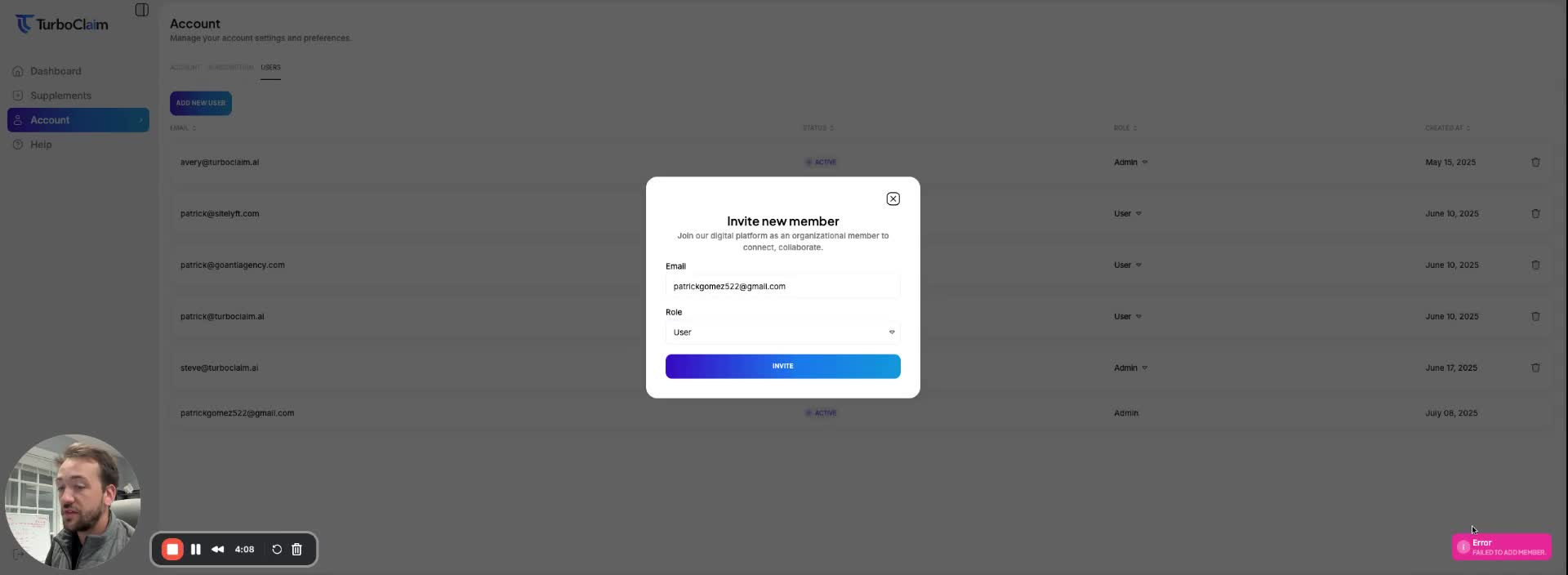
If the invitation fails, it may be due to the user already being registered. Ensure that the email entered is not already associated with an existing account.
Deleting a User 0:49
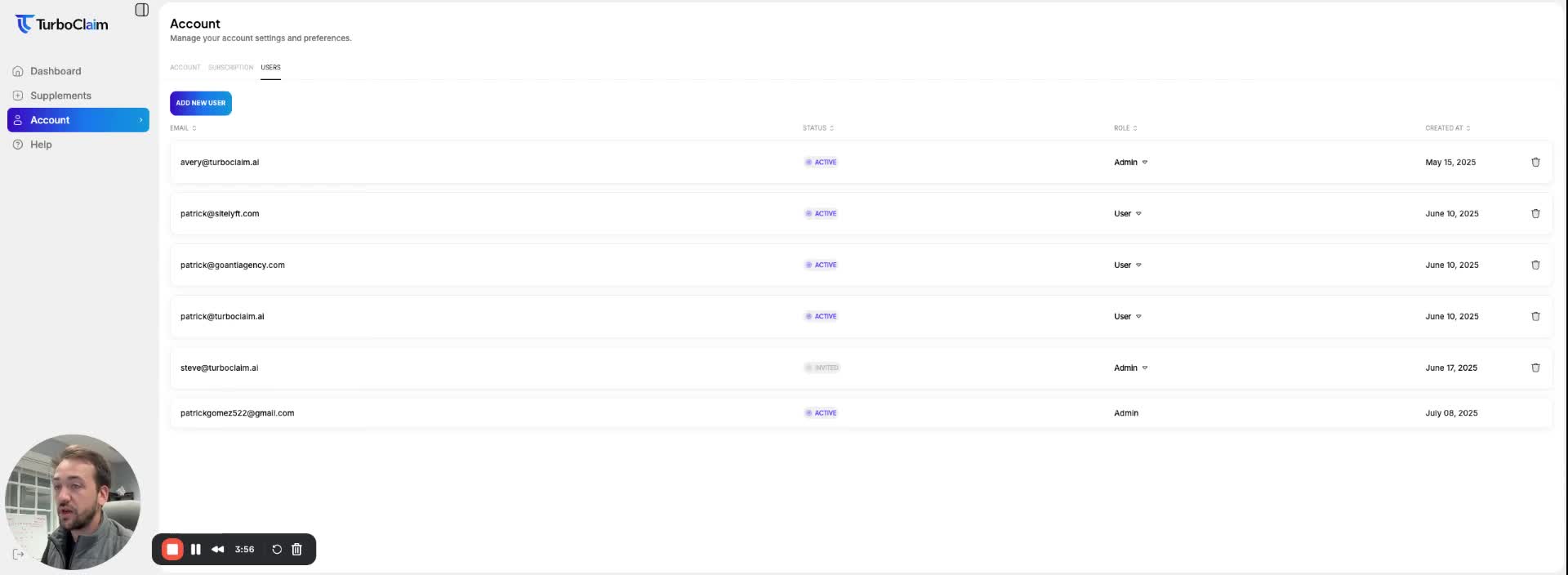
To delete a user from your account:
- Navigate to the 'Users' section.
- Locate the user you wish to delete.
- Click 'Delete' next to their name.
- Once deleted, the user's information will be removed, and you will no longer be billed for them.
Link to Loom
https://loom.com/share/abdba913d1be422a8796c957f26b97f3