
How to Begin a Comparison/Supplement in TurboClaim?
TurboClaim Comparison Process
Overview
This documentation outlines the steps to create a new comparison in TurboClaim by uploading insurance and insured estimates. It provides a clear guide for users to follow the process efficiently.
Creating a New Comparison 0:00
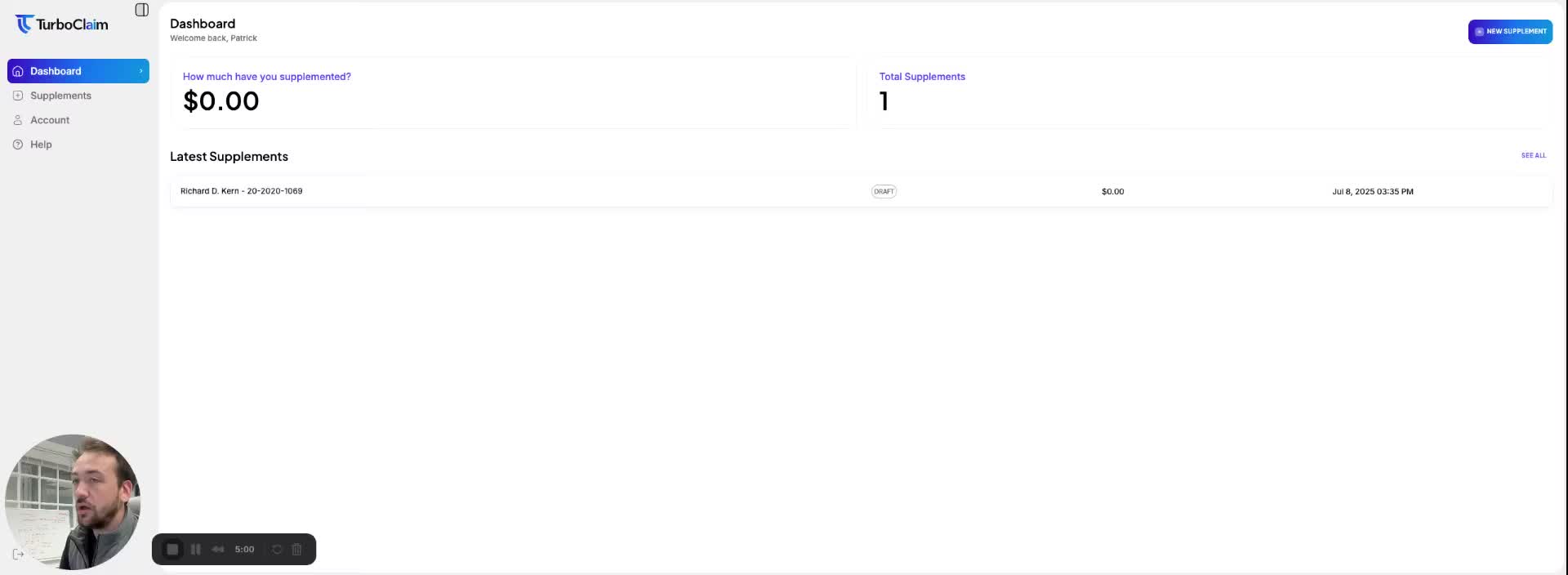
To create a new comparison in TurboClaim, follow these steps:
- Click on New Supplement in the top right corner.
- You will see an option to upload your insurance and insured estimates in PDF format. Ensure each file is under 20 megabytes for optimal comparison.
- Click on the Insurance side and select the file you wish to upload (e.g., a test file).
- Next, click on the Insured side and upload the corresponding file.
- Finally, click on Compare Estimates and wait for the comparison process to complete.
Link to Loom
https://loom.com/share/3e8e1c58044849c58876e72d62e9674b