
How to manage my TurboClaim Account?
TurboClaim Account Management Documentation
Overview
This documentation provides a guide on managing your account settings within the TurboClaim application. It covers updating personal information, company details, and logo customization for white labeling documents.
Account Information Management 0:00
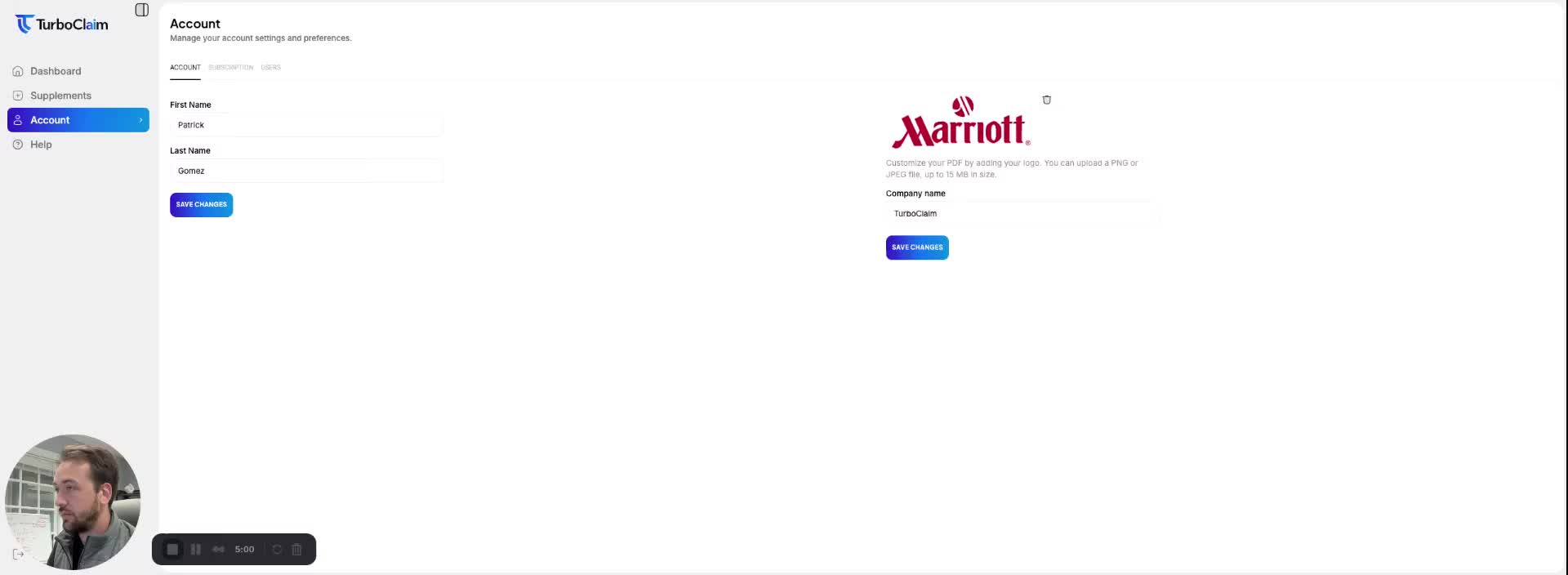
- Navigate to the 'Account' tab to manage your account settings.
- Update your first name, last name, and company name as needed.
- Remember to click 'Save Changes' after making any updates to ensure your changes are saved.
Logo Customization 0:24
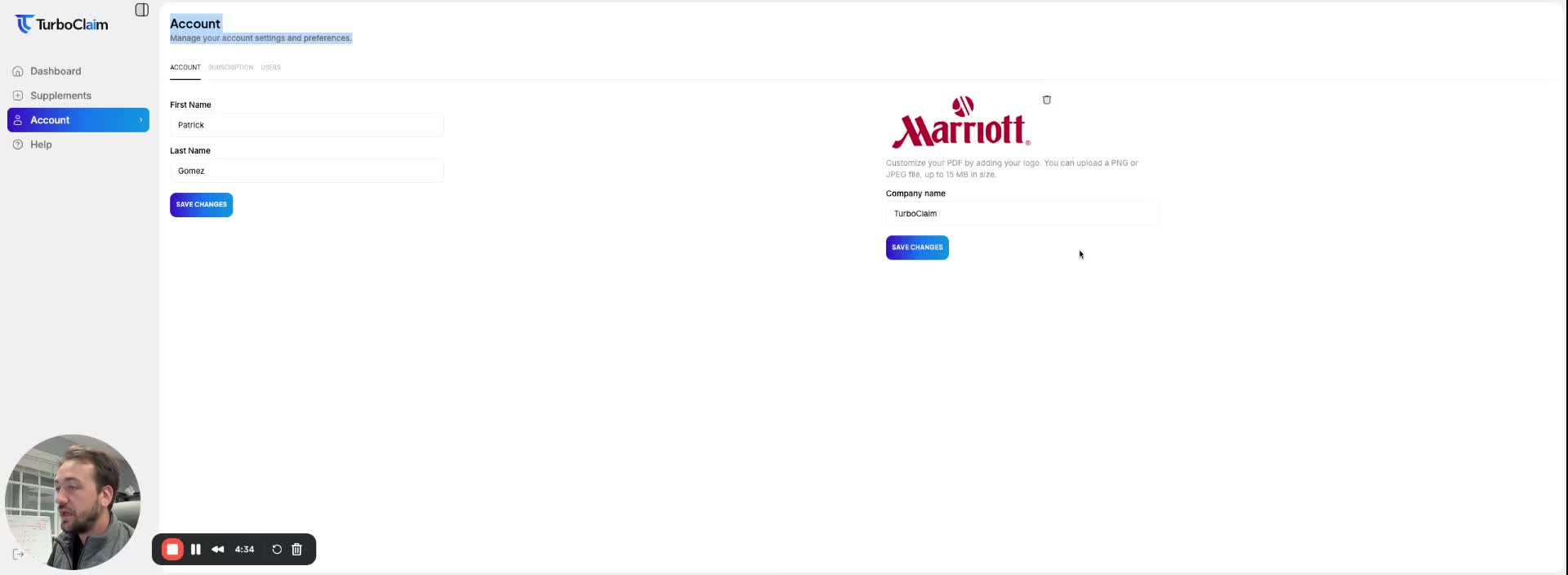
- You can update your company logo by:
- Clicking on the existing logo to delete it.
- Uploading a new image to replace the old logo.
- The updated logo will be used for white labeling your documents and statements.
Link to Loom
https://loom.com/share/235cd44f63884f76907b3cf1fd05c5de