
How to Match Line Items in TurboClaim Estimate Comparison?
How to Match Line Items in TurboClaim Estimate Comparison
Overview
This documentation outlines the process of matching line items within an estimate after successfully matching rooms. It details how to accept suggested matches and handle discrepancies in quantities.
Initial Suggested Matches 0:00
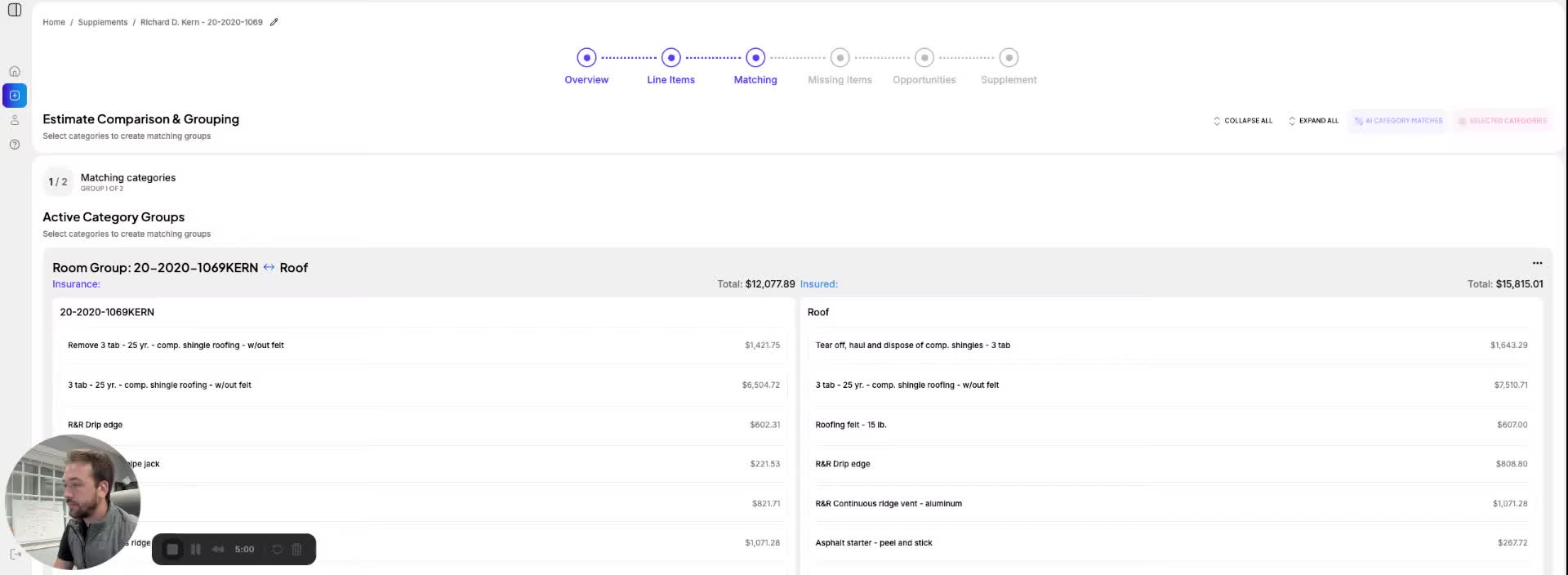
- After matching rooms, a list of suggested line items appears based on name, scope, and pricing.
- Example: A 3-tab shingle with felt is suggested as a match.
- Users can review the scope to confirm matches before accepting them.
Accepting Matches 0:31
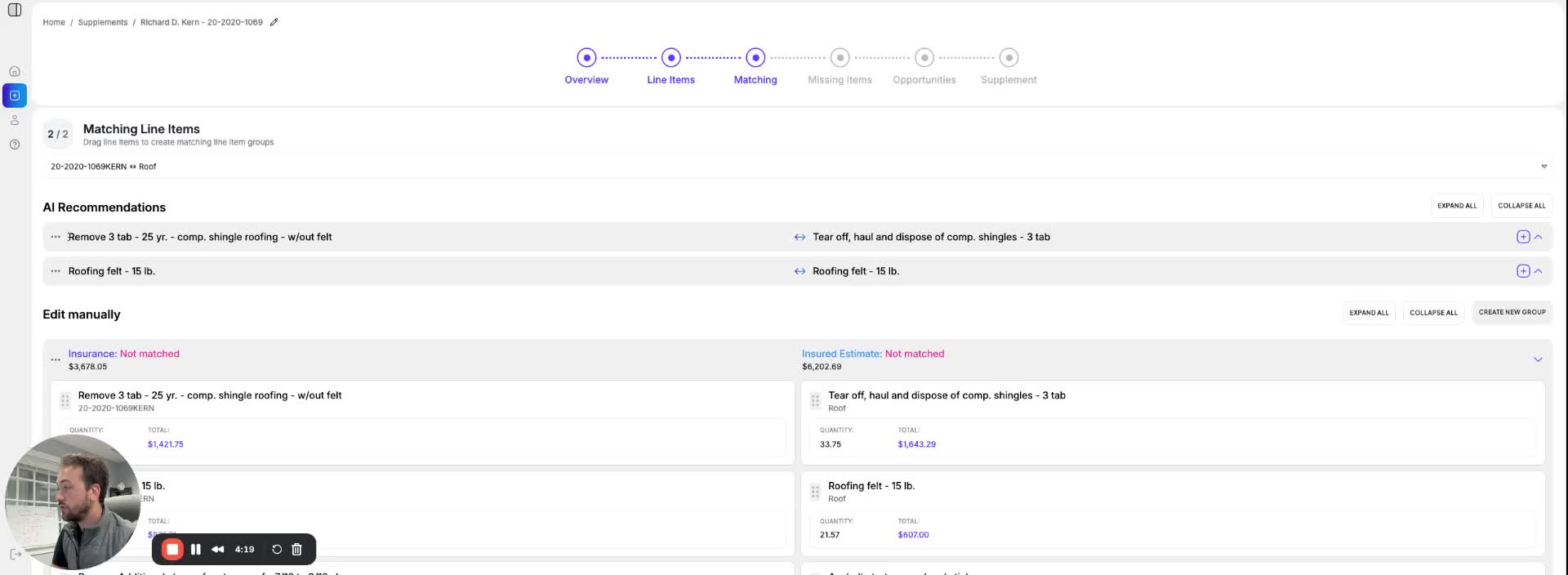
- Users can go through the list of suggested matches and accept them as needed.
- Example: Accepting a match for 'remove 3-tab shingle without felt' and 'dispose composite shingles 3-tab'.
Handling Quantity Discrepancies 1:02
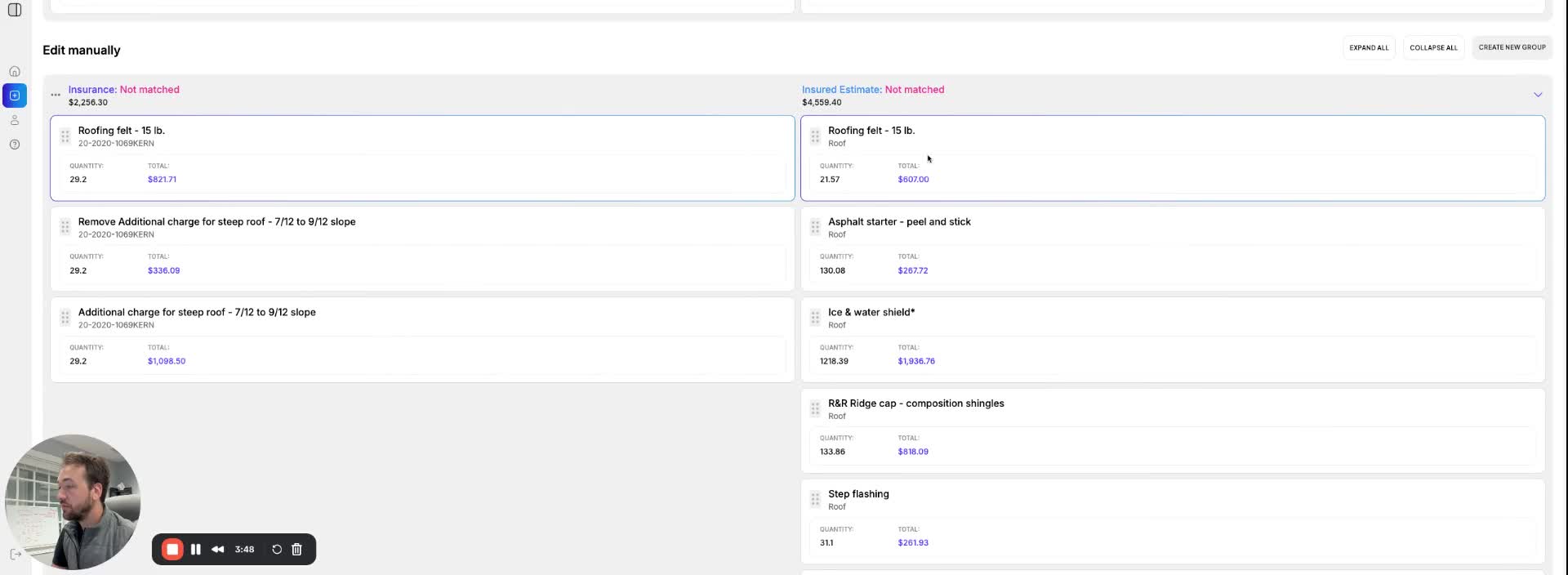
- If there is a discrepancy in quantities (e.g., insurance company provides 29 squares instead of the requested 21.57), users can investigate further.
- Users can select multiple line items to create a new group for better organization.
Creating New Groups for Line Items 1:11
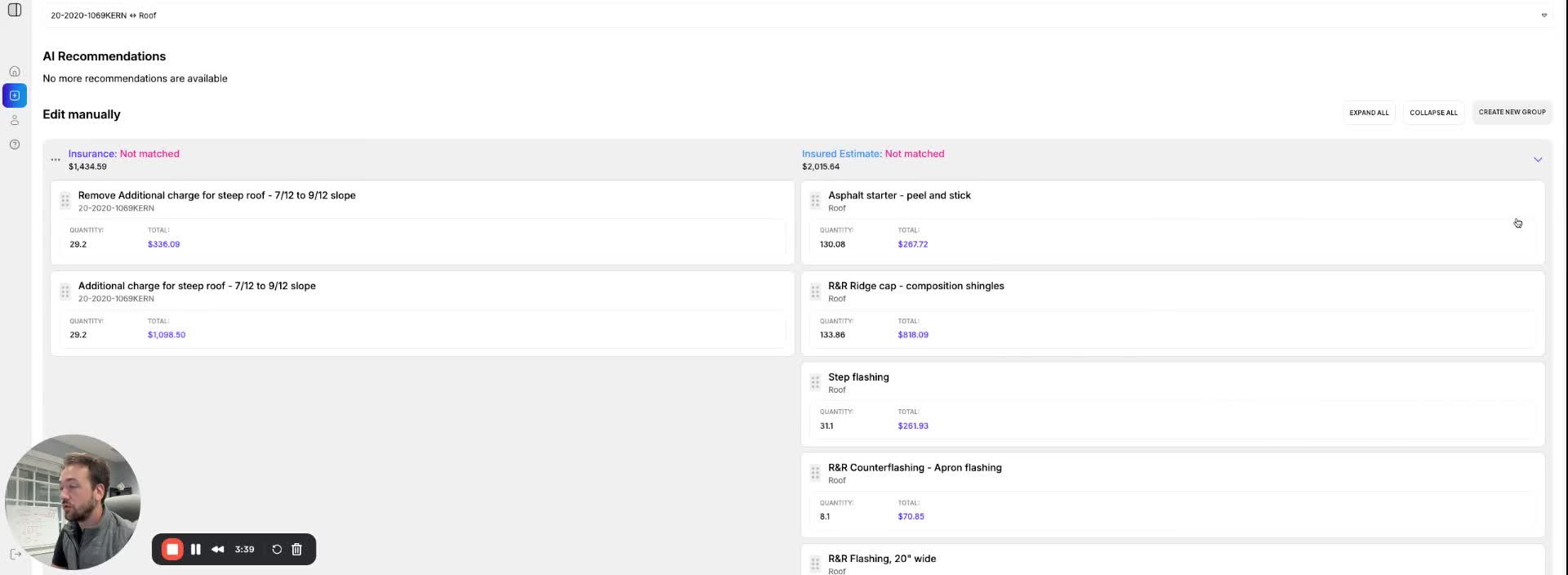
- Users can create a many-to-one line item match when one line item covers multiple rooms.
- This is useful for cases like rewiring or insulation where one line item is split across several rooms.
Finalizing Matches 1:45
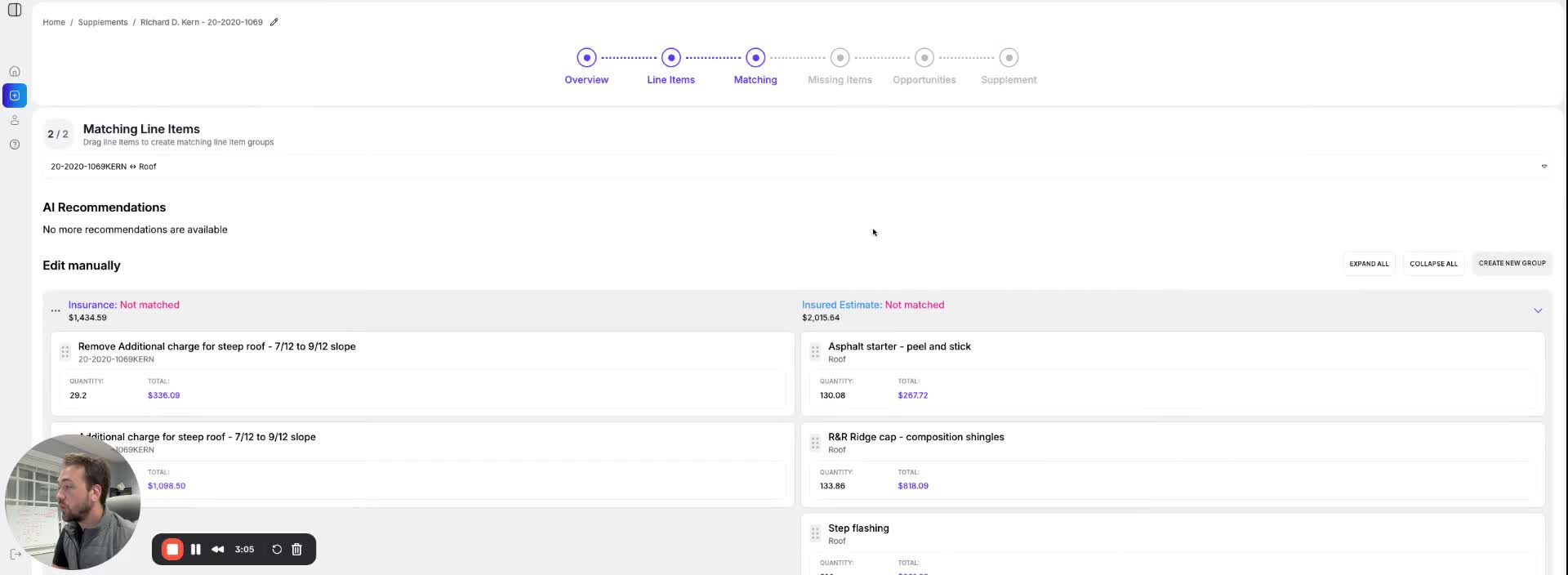
- If there are line items without matches, users should review them for steep charges or other discrepancies.
- The section concludes once all matches are reviewed and accepted or noted for further action.
Link to Loom
https://loom.com/share/f08472dfdd784b298ab053cbcf4c027e