
How to Update My TurboClaim Subscription?
TurboClane Subscription Management
Overview
This documentation provides a guide for managing your TurboClane subscription, including updating payment methods, viewing invoice history, and canceling subscriptions.
Updating Your Subscription 0:00
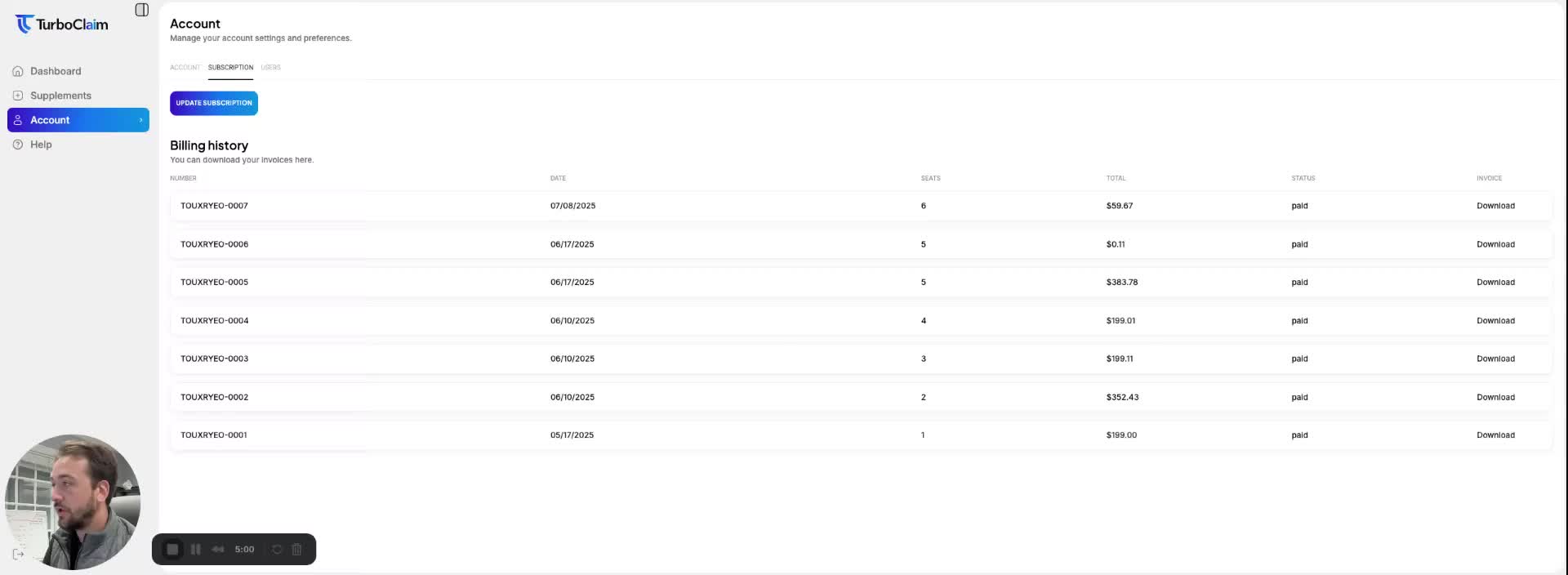
- Navigate to the Account tab in your TurboClane dashboard.
- Click on Subscription to access subscription management options.
- Click the Update Subscription button to go to the subscription page.
Managing Payment Methods 0:17
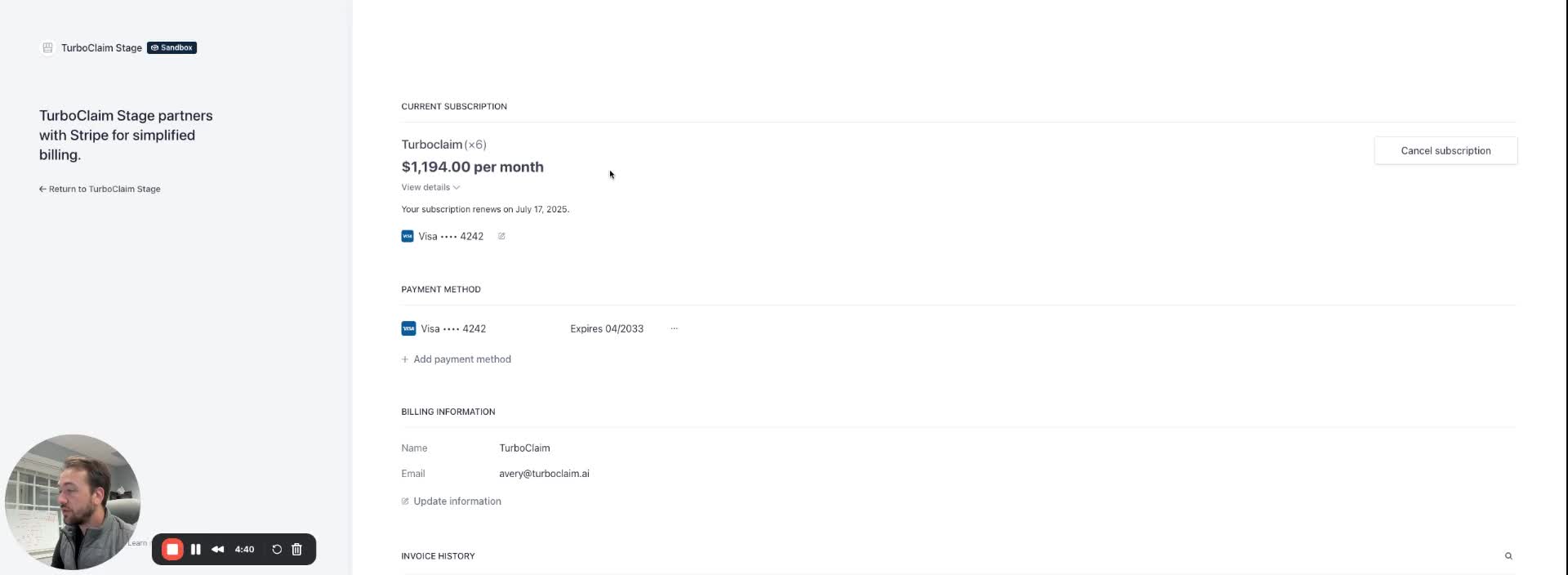
- On the subscription page, you can view your existing payment method.
- To add a new payment method, follow the prompts provided on the page.
Canceling Your Subscription 0:17
- If you wish to cancel your subscription, click the Cancel Subscription button on the subscription management page.
Viewing Invoice History 0:25
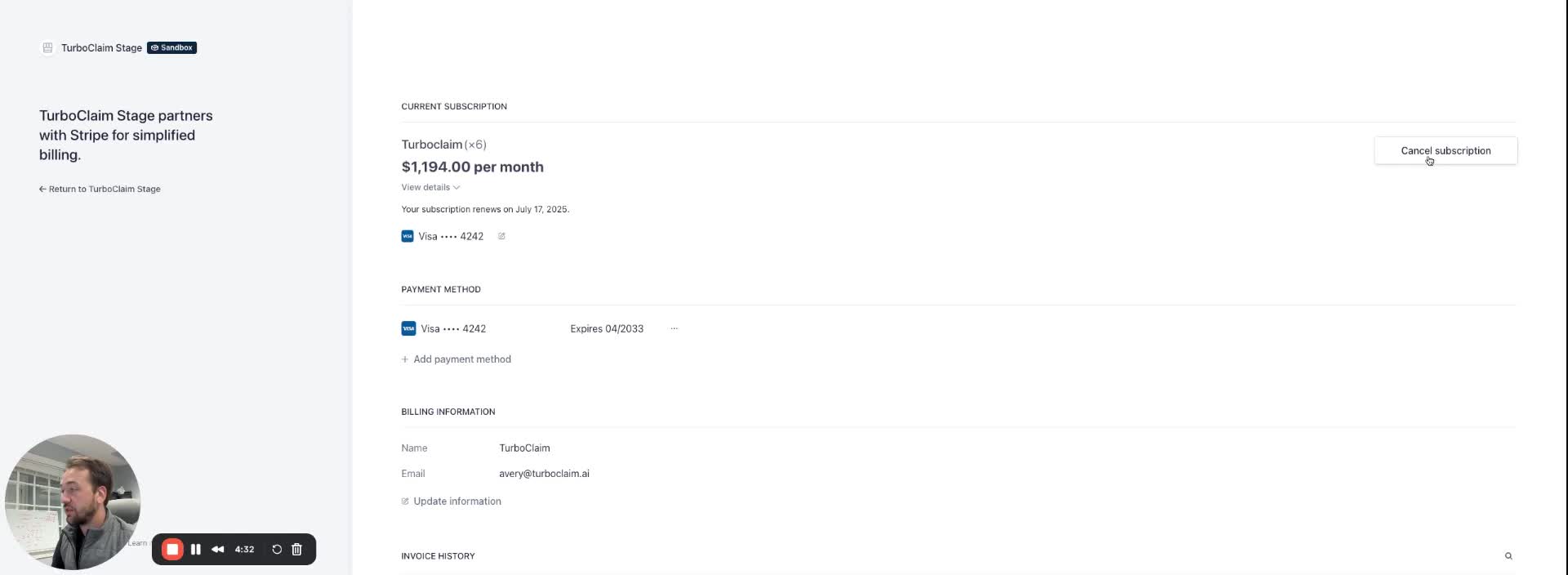
- You can access your invoice history, which includes all payments made, on the subscription management page.
Link to Loom
https://loom.com/share/b3e56fdb53de40129567cbafb1de974c