
What is the Line Item Screen in TurboClaim?
Line Item Screen Documentation
Overview
This documentation provides an overview of the Line Item Screen within the TurboClaims estimate comparison process. It outlines the key features and steps for reviewing line items effectively.
Screen Overview 0:00
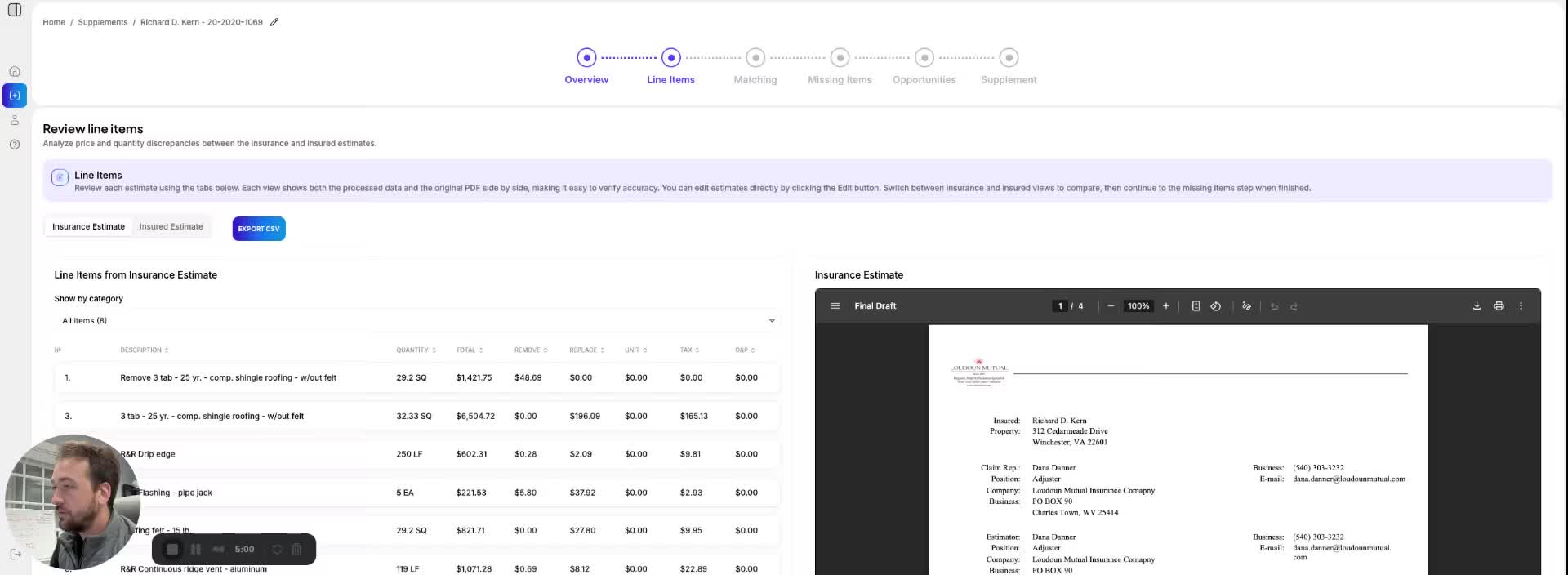
- The Line Item Screen displays a header with relevant information.
- It includes two tabs: Insurance Estimate and Insured Estimate.
- Users can toggle between these tabs to view different estimates.
Reviewing Line Items 0:24
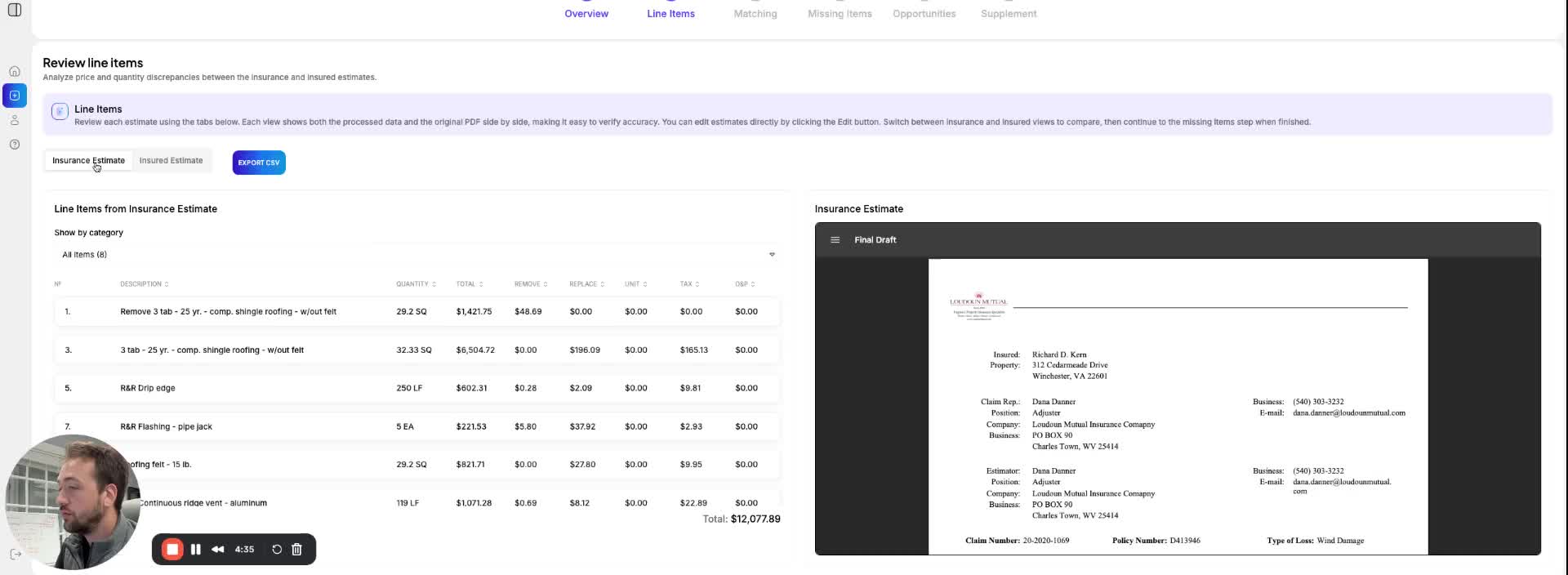
- Begin by reviewing the Line Item tab.
- Ensure that all line items match and have been extracted correctly.
- As estimates grow larger, inconsistencies may arise due to AI limitations.
- It is recommended to review the estimates room by room for accuracy.
Verification Process 0:40
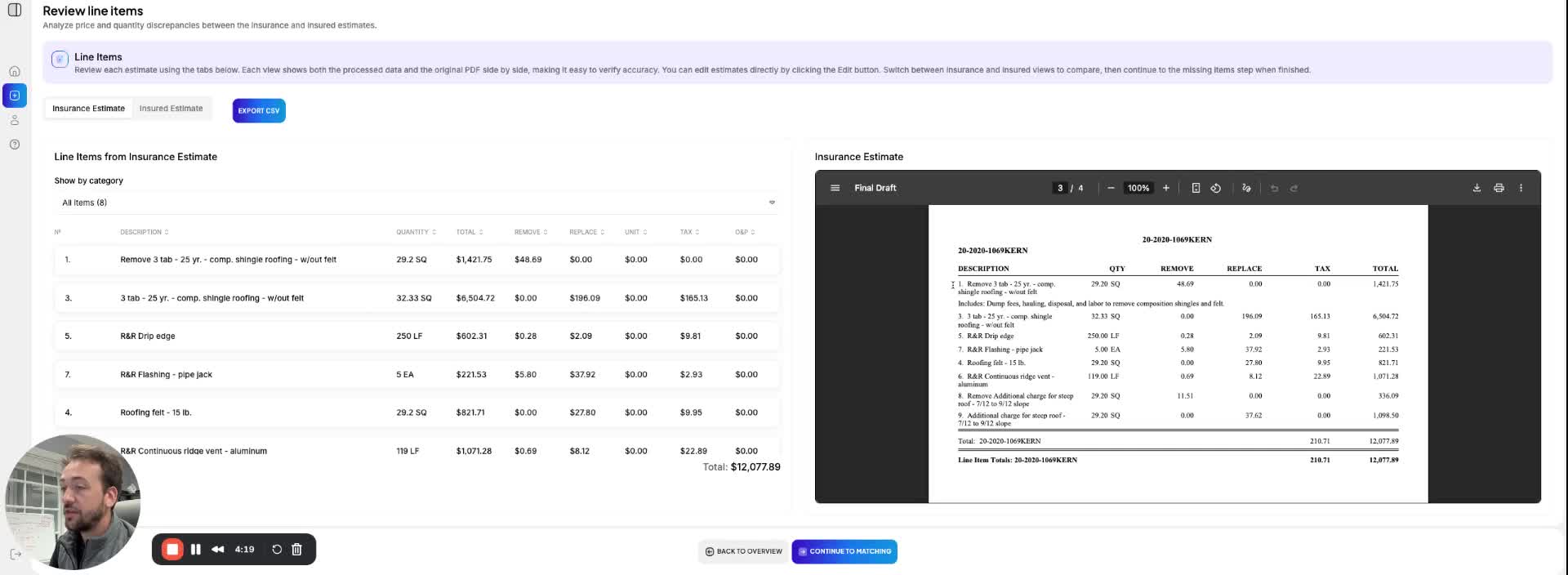
- Click on Show Category to access the first room's details.
- Compare the total at the bottom of the screen with the total on the estimate for verification.
- After reviewing the Insurance Estimate, repeat the same process for the Insured Estimate.
Link to Loom
https://loom.com/share/ec2b0e60e5214309b57def17c4bc0d60