
What is the Opportunities Section of TurboClaim?
Understanding the Opportunities Section of TurboClaim
Overview
This documentation outlines the functionality of the Opportunities section within TurboClaim. It details how to review insurance estimates, add items to supplements, and manage negotiations effectively.
Reviewing Insurance Estimates 0:00
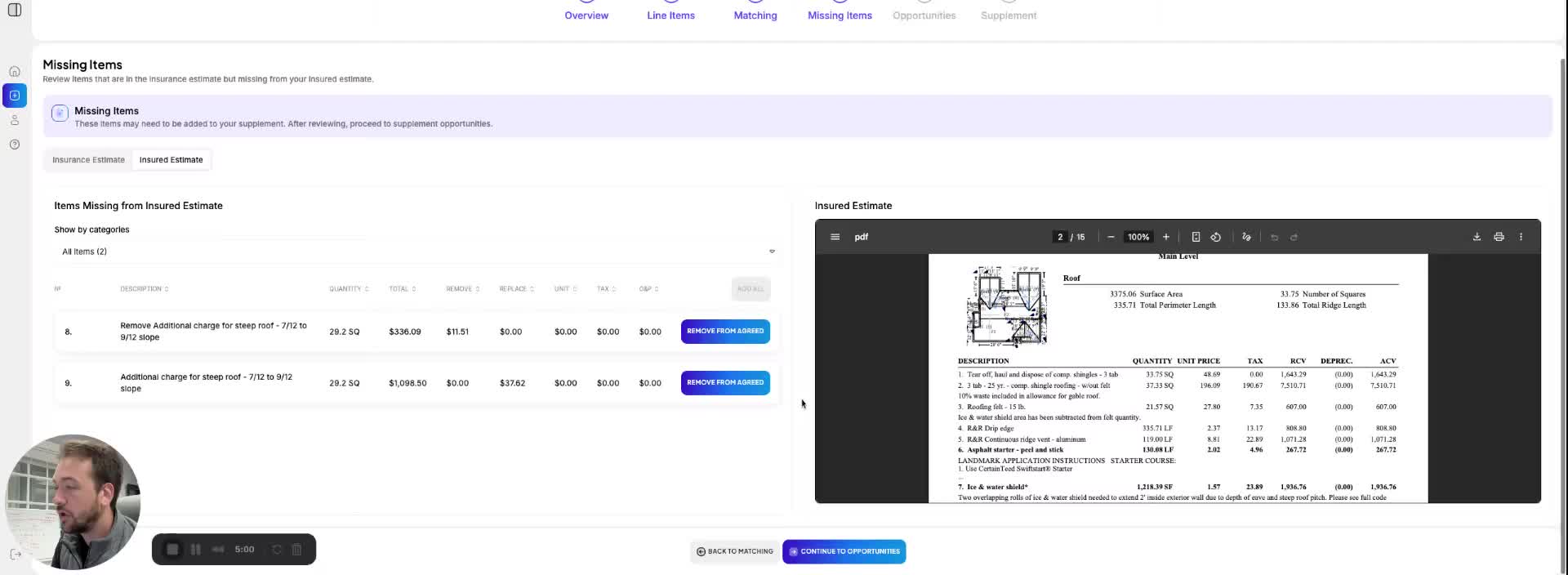
- The Opportunities section displays line items with matches found in the insurance estimates.
- It presents both the Insurance Estimate and the Insured Estimate line items for comparison.
- A high-level summary shows:
- The amount offered by insurance.
- The amount you are demanding.
- The total difference between the two amounts.
- The percentage increase or decrease based on these figures.
- If line items match but have different pricing, check the quantities requested to understand discrepancies.
Adding Items to Supplement 1:11
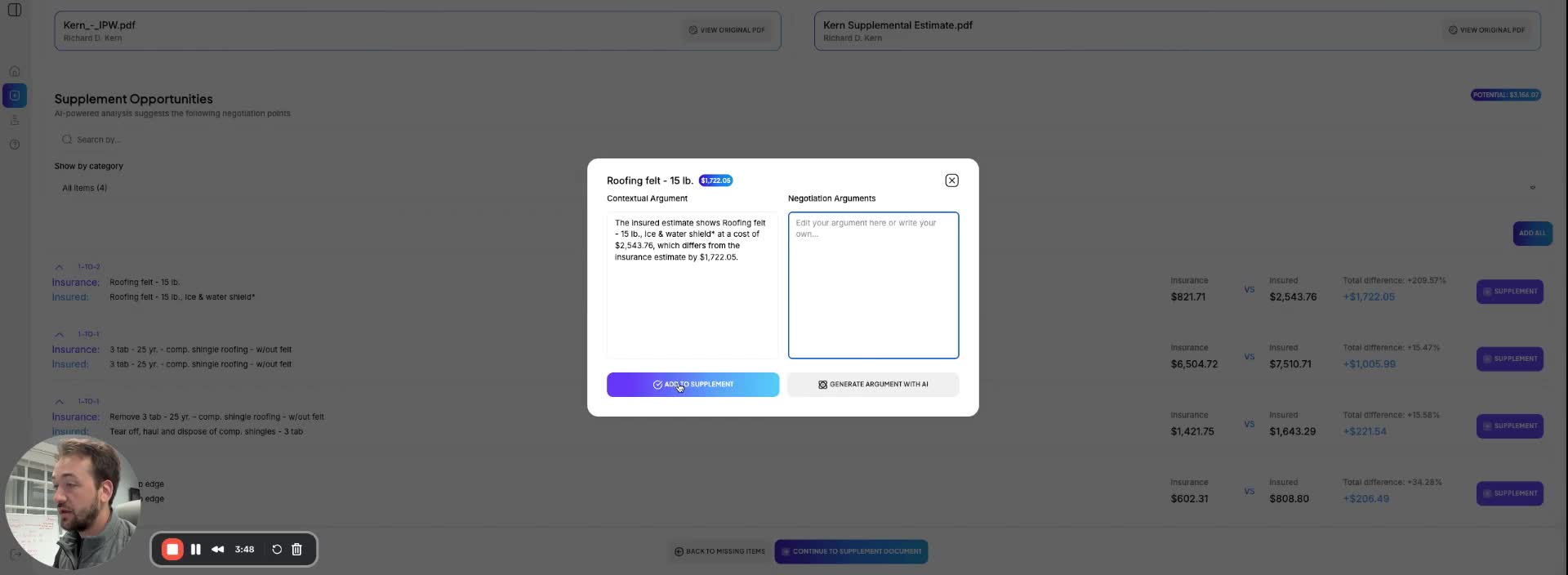
- Users can add line items to their supplement document directly from the Opportunities section.
- Options for adding items include:
- Manually writing justifications.
- Copying and pasting text.
- Generating text using AI.
- To expedite the process, users can select 'Add All' to include all items without individual justifications, allowing for justification at a later stage.
Viewing Original PDFs 1:27
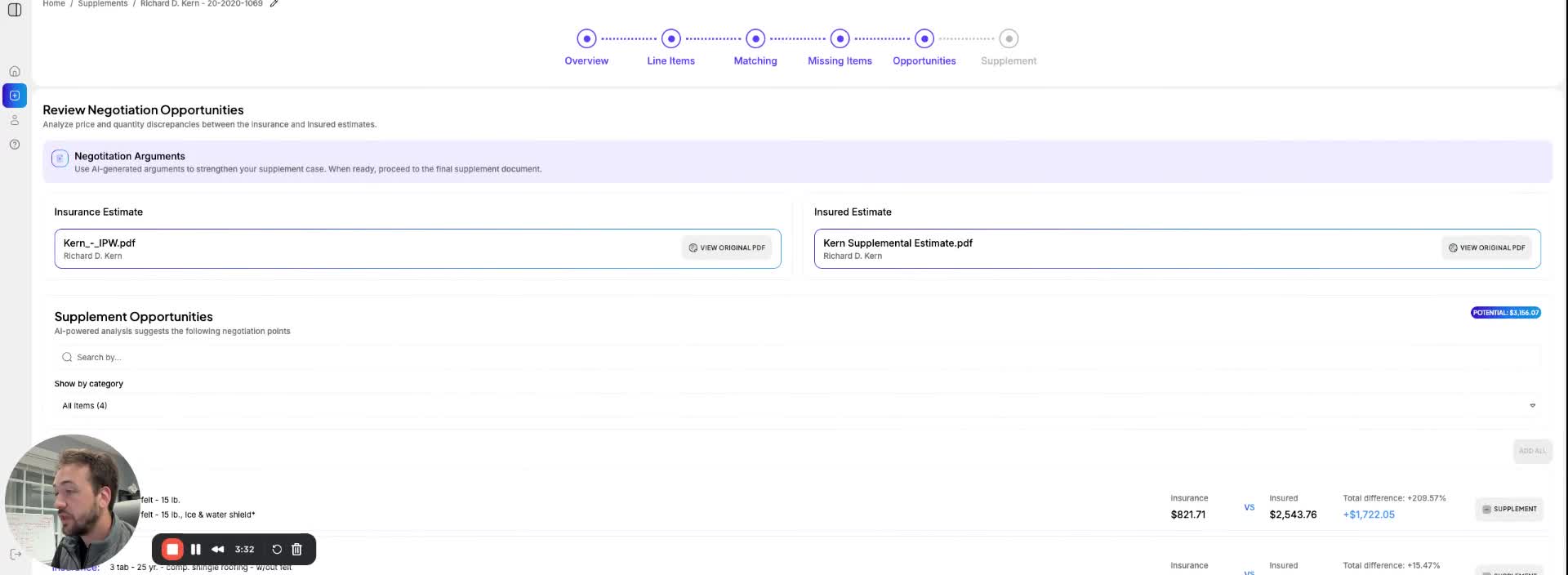
- For quick reviews of initial documents, users can click 'View Original PDF' to access the relevant PDF file directly from the Opportunities section.
Link to Loom
https://loom.com/share/b6aafe91769b491883235cb5217eb4ab